This guide shows you how to install Claude Code on macOS or Linux, log in, and run it against a real network automation repo. It takes about 10 minutes.
I’ve spent years building network automation with Ansible, Python, Git and Nornir. Now I want to find out whether AI genuinely makes that work faster, or whether it’s just hype. This is the first post in a new series where I document my progress with Claude, warts and all, much like I did with my CCIE journey.
The first step is getting Claude Code installed. Here’s exactly how I did it, and the gotchas I hit along the way.
What Is Claude Code?
Claude Code is Anthropic’s AI coding assistant that runs in your terminal. Unlike a chat window, it works directly inside your project folder. It can read your files, edit them, and run commands when you approve them.
For network engineers, this means you can point it at your Ansible playbooks, Python scripts or Jinja2 templates and ask it to explain, fix or extend them. It’s like pair programming with someone who has read every Ansible module doc.
If you prefer not to use the terminal, there’s also a desktop app. In this guide I’m sticking with the command line, because that’s where most of us live anyway.
Claude Code System Requirements
Before you install, check two things: your account and your operating system.
You need a paid plan. Claude Code needs a Pro, Max, Team or Enterprise subscription, or an Anthropic Console (API) account. The free claude.ai plan does not include Claude Code. I’ve seen people get stuck here, so sort this out first.
| Requirement | Supported |
|---|---|
| macOS | 13.0 or later |
| Windows | Windows 10 1809+ or Windows Server 2019+ |
| Linux | Ubuntu 20.04+, Debian 10+, Alpine 3.19+ |
| Hardware | 4 GB+ RAM, x64 or ARM64 processor |
| Shell | Bash, Zsh, PowerShell or CMD |
| Network | Internet connection |
How to Install Claude Code on macOS and Linux
The recommended method is the native installer. Open a terminal and run:
curl -fsSL https://claude.ai/install.sh | bash
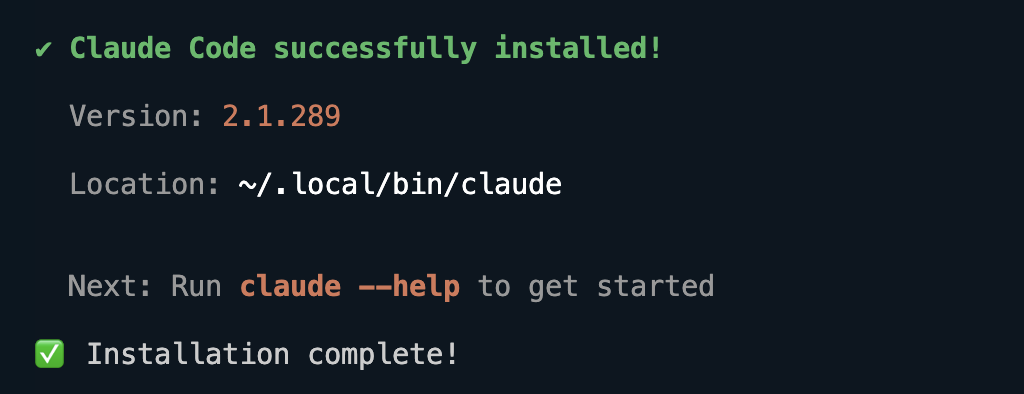
When it finishes, open a new terminal window. This lets your shell pick up the new path. Then check that it worked:
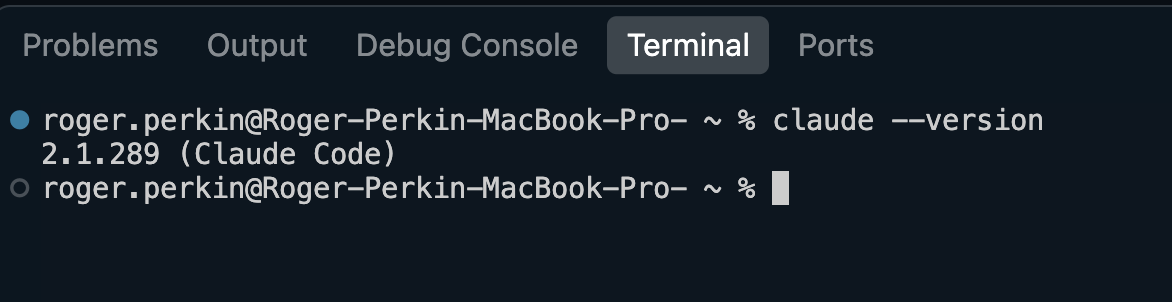
claude --version
You should see a version number. The native install also updates itself automatically in the background, so you don’t need to worry about keeping it current.
How to Verify Your Install and Log In to Claude Code
There are three quick steps.
- Check the version:
claude --versionshould print a version number. - Run a health check:
claude doctorchecks your install and settings and suggests fixes for anything wrong. It’s read-only, so it’s safe to run anytime. - Log in:
cdinto a project folder and runclaude. A browser window opens. Sign in with your Claude account and you’re back in the terminal, ready to go.
If you have an ANTHROPIC_API_KEY environment variable set, Claude Code asks you to approve that key instead of opening the browser.
Using Claude Code for Network Automation: My First Test
To see what it could actually do, I cloned my own network-programmability repo from GitHub and pointed Claude Code at it:
git clone https://github.com/rogerperkin/network-programmability.git
cd network-programmability
claude
First you have to accept which theme you want and choose how you want to login to Claude.
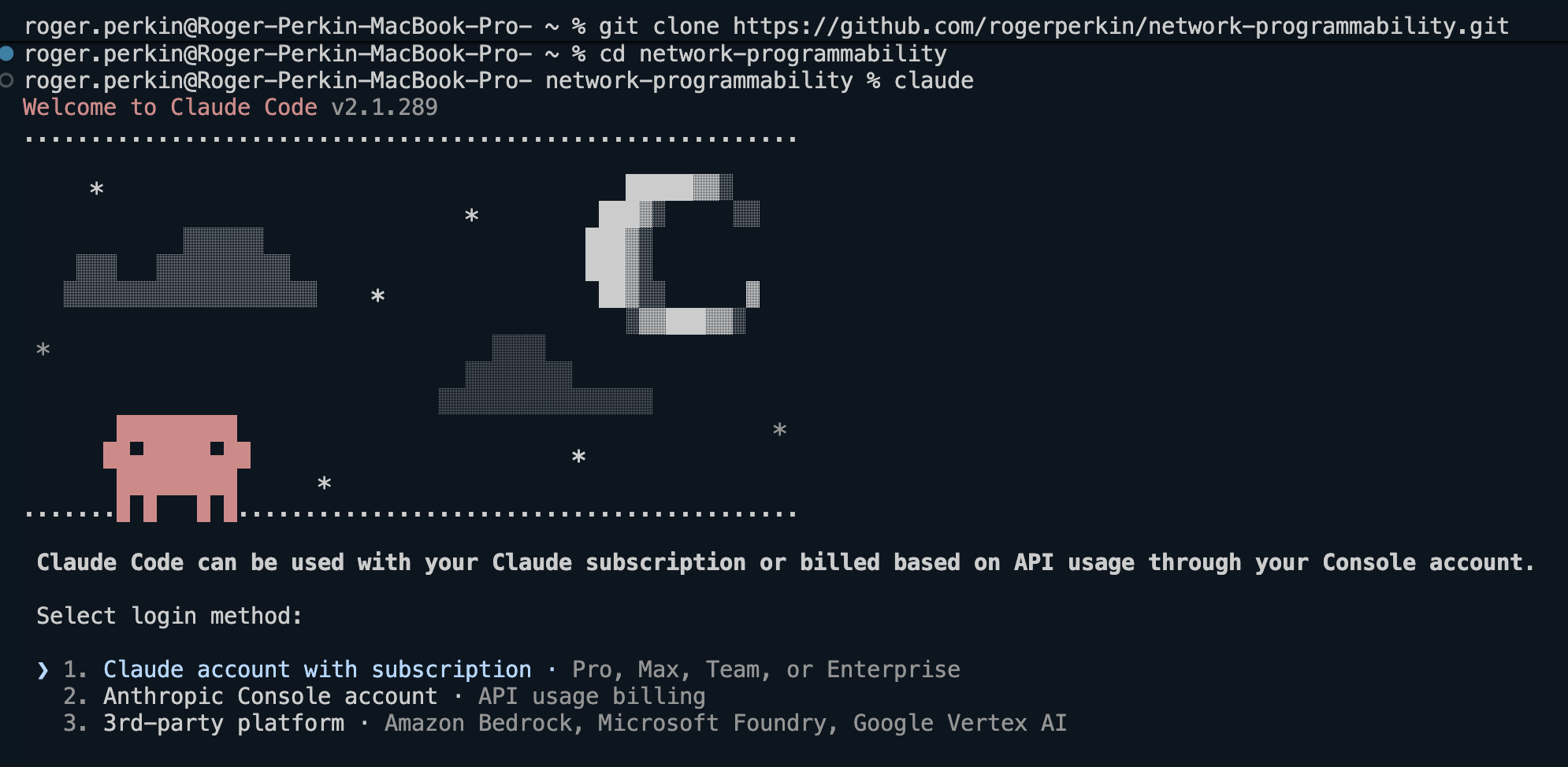
I chose option 1 – selecting this will open your browser and get you to login to Claude.
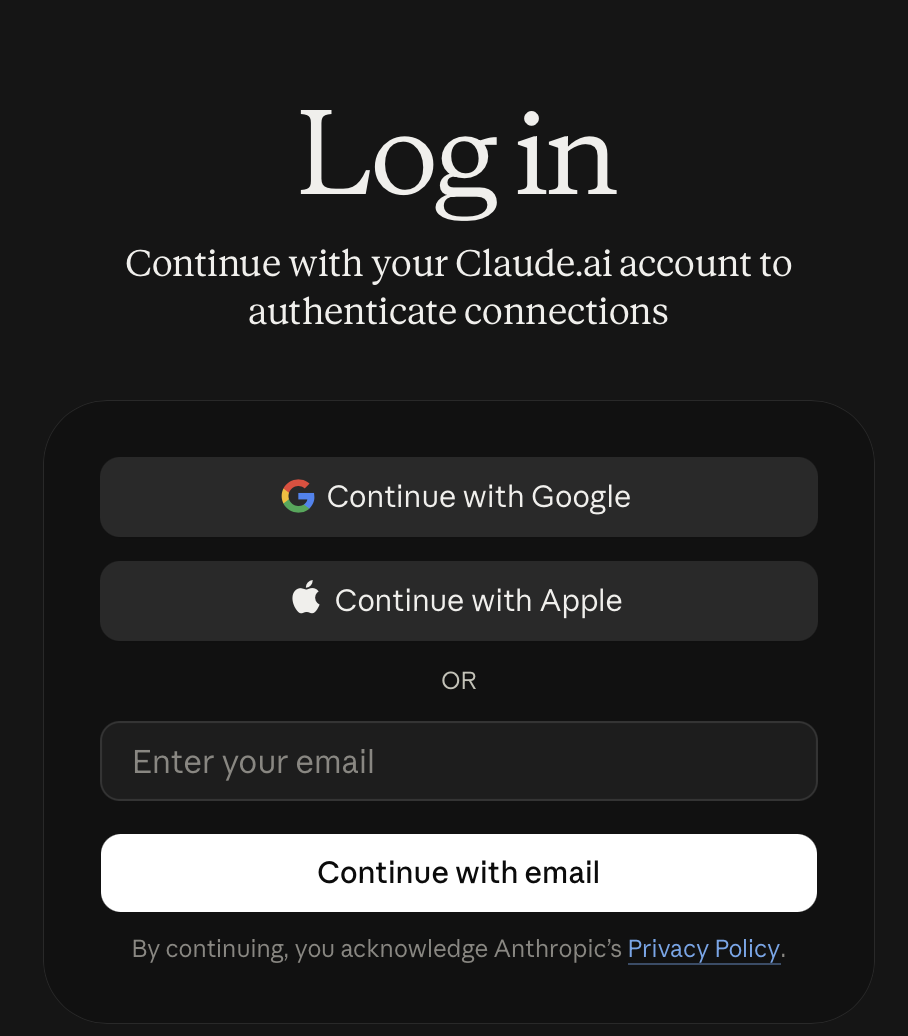
Once I had logged in I got this
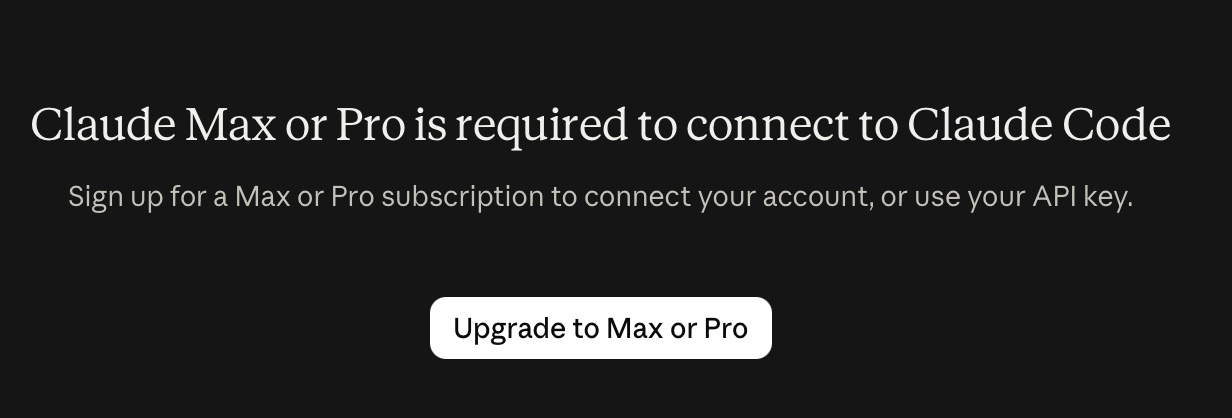
I was not going to upgrade to Claude Max or Pro, so I will use the API key
Log into Claude and click on API keys – and create one – copy the key and paste this into your terminal
echo 'export ANTHROPIC_API_KEY="sk-ant-api03-xxxxxxxxxxxxxxxx"' >> ~/.bashrc
source ~/.bashrc
Claude should recognise this when it tries to authenticate you.
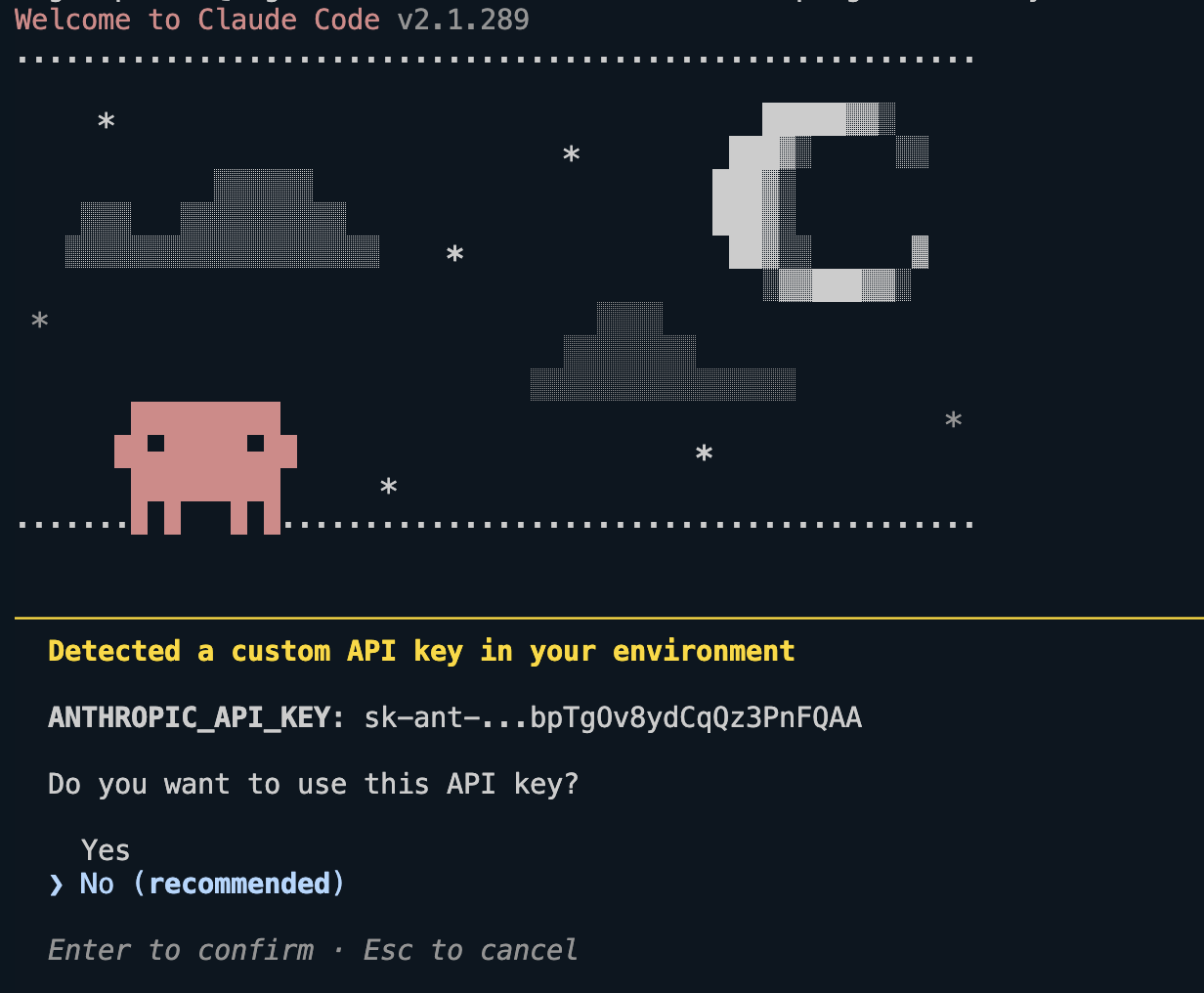
Why is Claude not recommending the use of a custom API key?
The “No (recommended)” option is not saying that API keys are bad.
It’s saying that Anthropic recommends using Claude Code with a Claude subscription account (Pro/Max) rather than direct API billing.
The difference is:
| Method | Billing |
|---|---|
| Claude Pro / Max login | Fixed monthly subscription |
ANTHROPIC_API_KEY | Pay per token/API usage |
it warns you because:
- API usage can become expensive if you’re running large codebase analyses.
- Claude Code may make many model calls during a session.
- Anthropic’s preferred user experience is via the subscription products.
If you do not have Pro or Max, then select “Yes” to use the API key.
Then I tried three prompts:
- “Explain what this repo does and how it’s structured.”
- “Review this playbook and suggest improvements.” [name the playbook]
- “Write a playbook that backs up the running config of all IOS devices in my inventory.”
One important point: Claude Code asks permission before it edits files or runs commands. Read what it wants to do before you approve it. I’d never let it push config to production devices without reviewing every line. Treat it like a capable junior engineer, not a change approver.
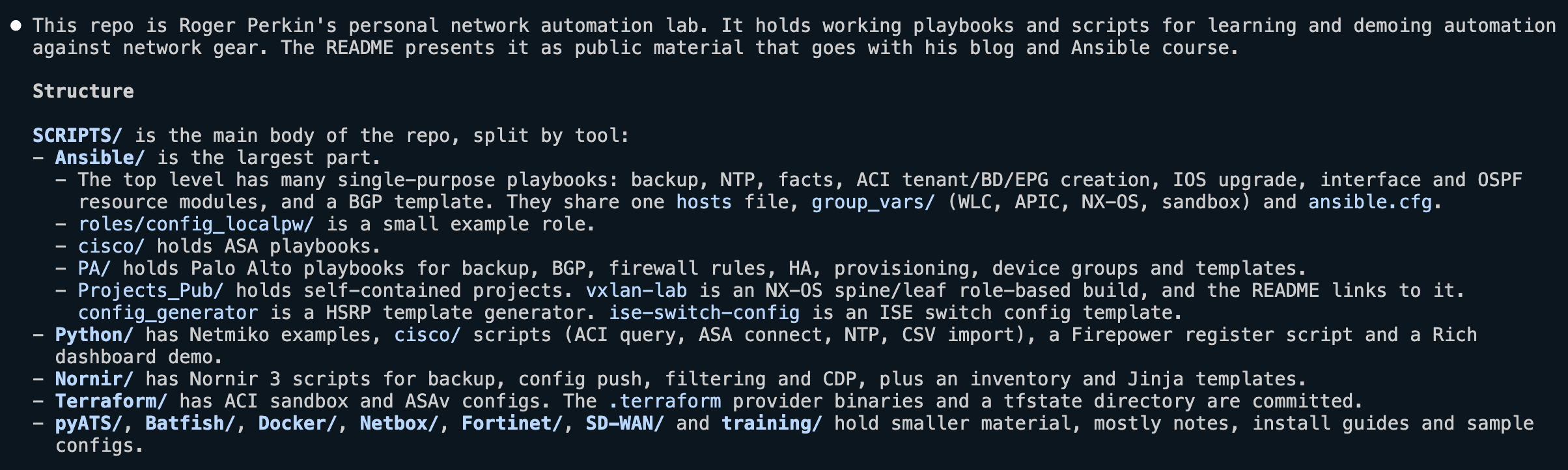
So that’s it, Claude Code is now installed – let’s have some fun!
Leave a Reply