In Bruno on the free plan, you can only have 2 workspaces open at a time.
Please close your “Test-Location” workspace to create another.
How to have more than 2 workspaces in Bruno
In Bruno you can have as many workspaces as you want, but can only have 2 open at a time.
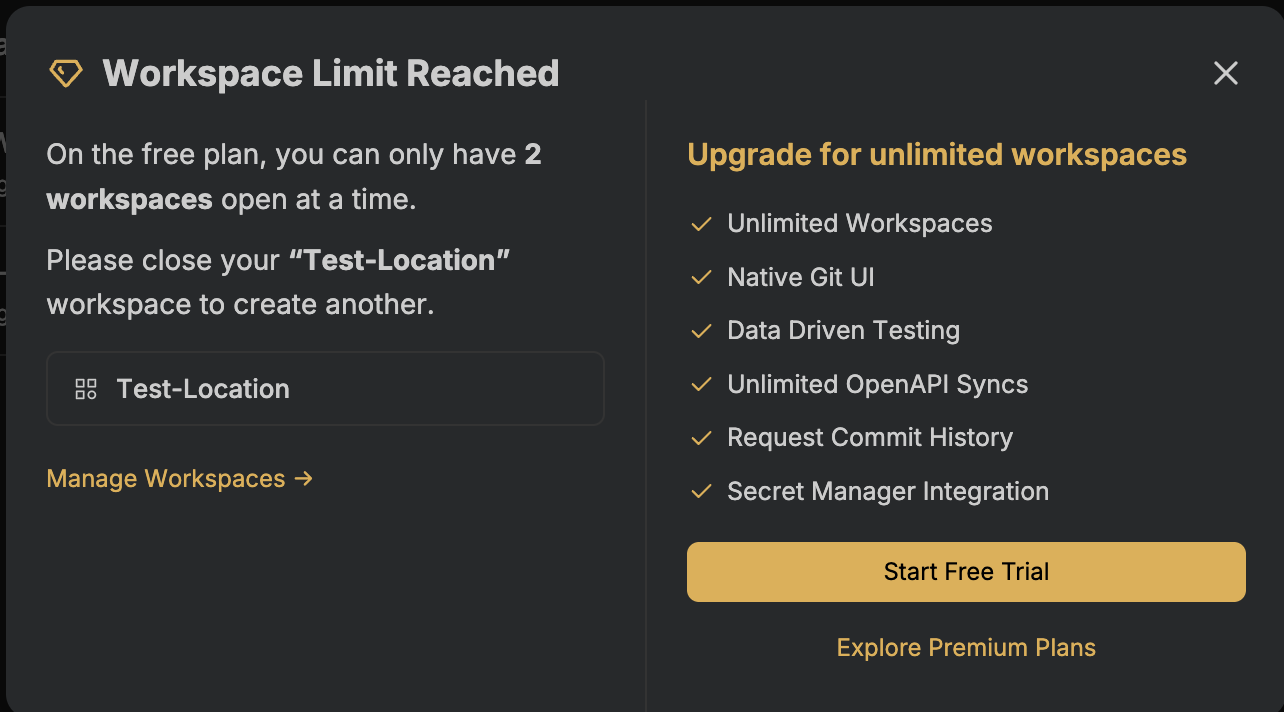
If you are seeing this message you just need to close down one workspace to be able to create another.
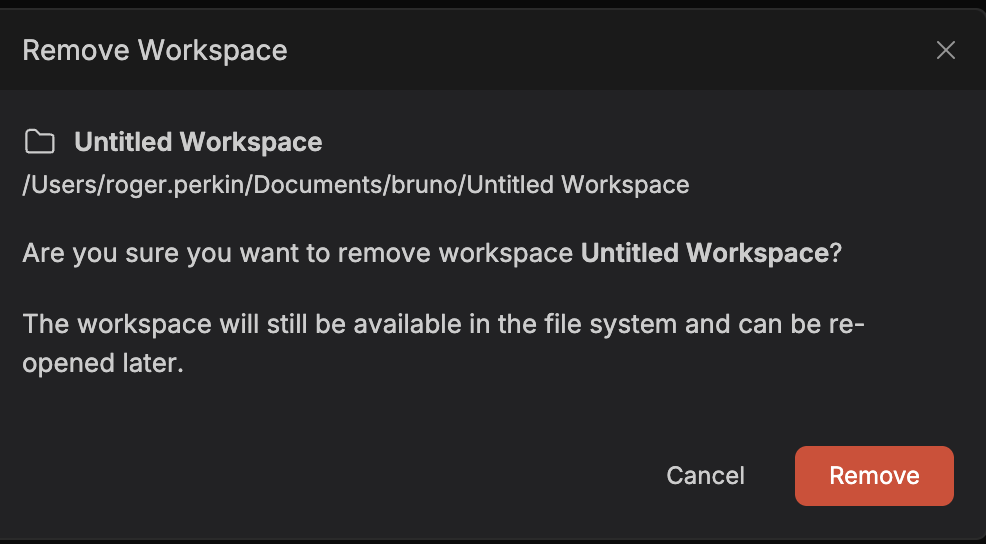
When you close your workspace it still remains on disk and can be re-opened at any time.
1. Click on Workspaces / Manage Workspaces
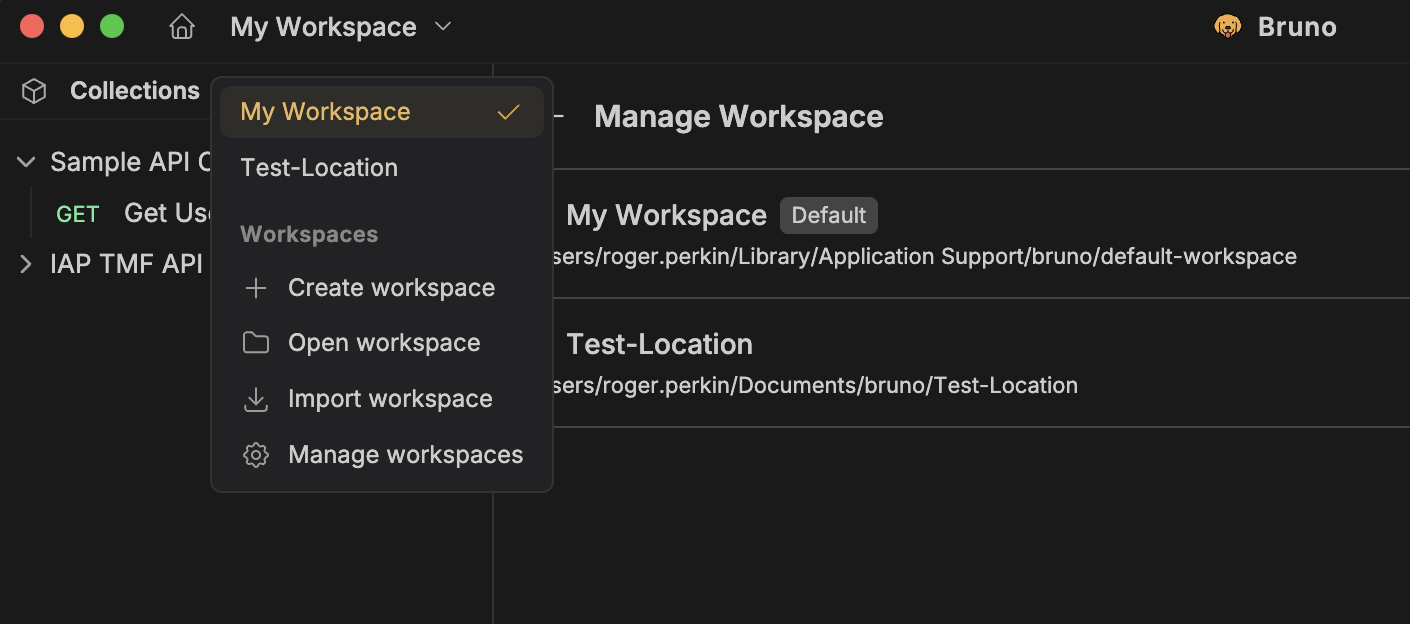
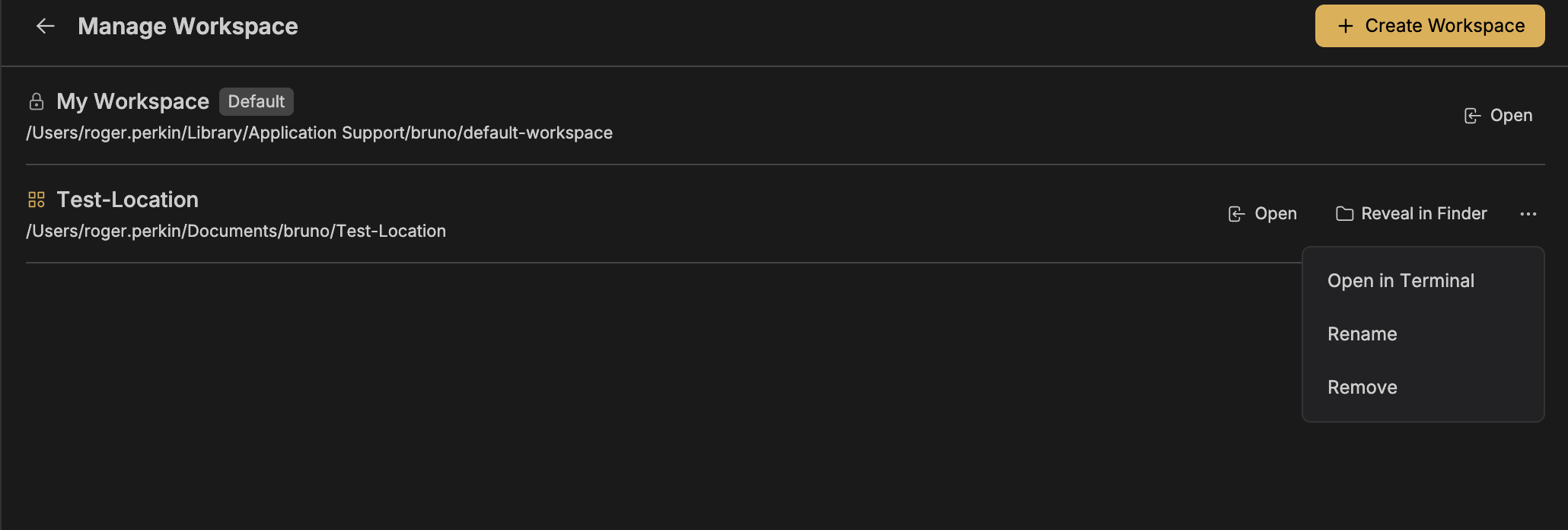
2. Remove the workspace
Click on the 3 dots to the right of your workspace and click Remove – your workspace will remain on disk and can be re-opened at any time
3. Create your new Workspace
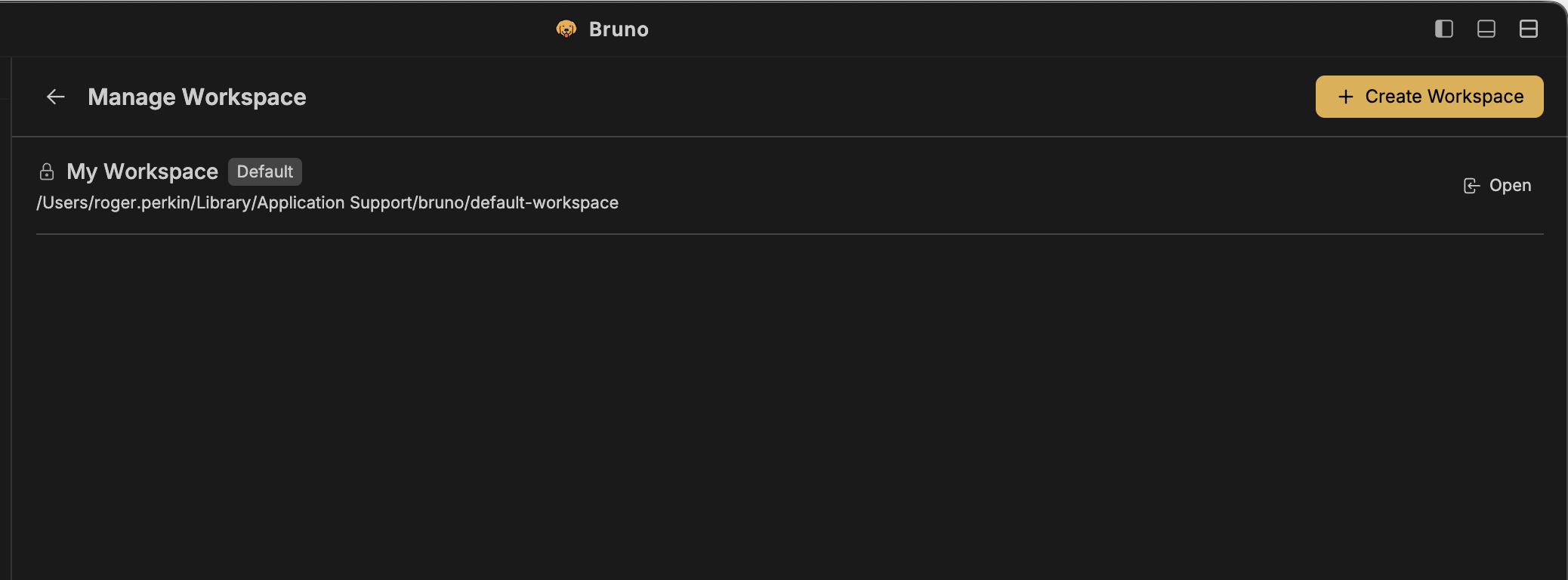
Once you have removed the workspace you can create another using the Create Workspace button
How to have more than 2 workspaces in Bruno?
If you want to have more than 2 workspaces in Bruno open at the same time, you can upgrade to a premium plan for unlimited workspaces
Leave a Reply